
Winlog Remote Access
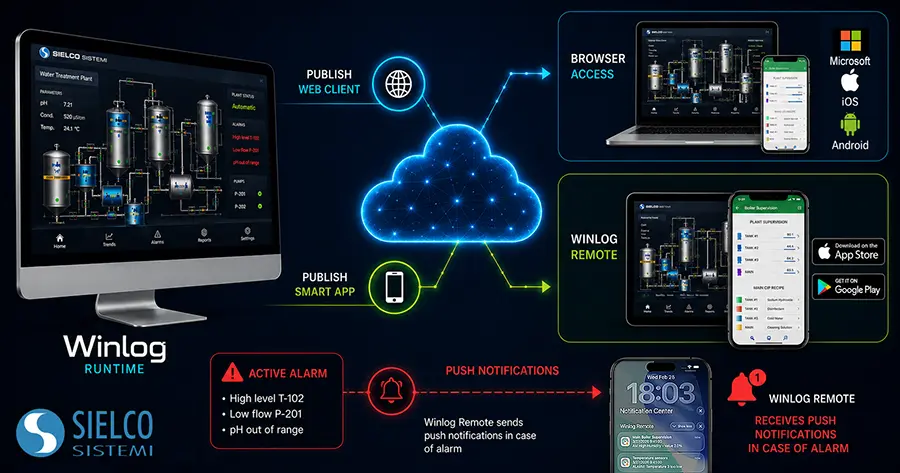
Supervisory systems can be accessed remotely using the free mobile application Winlog Remote for Android and iOS, or directly through the browser using the Smart App and Web Client web interfaces. Winlog takes advantage of the latest web technologies (HTML5, JavaScript e CSS), providing secure encrypted HTTPS communication, user authentication and access control via user groups defined in the Project Manager.
Demo servers are available to test all the remote access functionalities of Winlog.

Winlog Remote


Smart App
Winlog Smart App is the mobile optimized web interface for remote connection to a Winlog application. Using HTML5 technology, it grants secure access to SCADA systems from iOS and Android devices; the web application, hosted by the Winlog application running on the monitoring system, will be immediately accessible by typing the address (IP or hostname) in the browser (Safari, Internet Explorer, Firefox, Chrome, …).
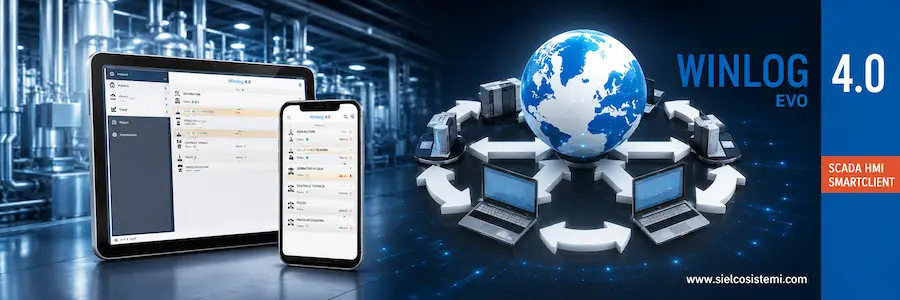
Smart App Builder is the interactive development tool for Smart App creation. The Smart App is structured like a menu with sections (based on logical or physical subdivisions) and their elements and sub-elements (process variables). Smart App access can be restricted by configuring user group permissions in the Winlog Server; multiple clients can be connected simultaneously to the same Winlog application. Smart App also allows reports (CSV, PDF, …) generated by Winlog to be viewed remotely.
Web Client
Winlog Web Client can be used to access a Winlog application through any browser. Winlog Web provides secure encrypted HTTPS communication, user authentication and access control. Using HTML5 technology, it grants secure access to SCADA systems from any device; the web application, hosted by the Winlog application running on the monitoring system, will be immediately accessible by typing the address (IP or hostname) in the browser.
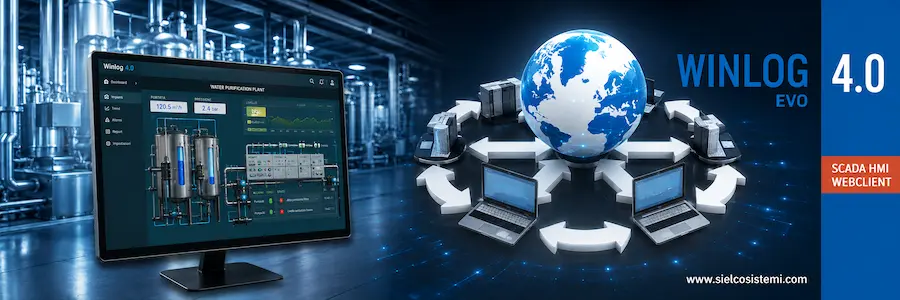
The Template Builder development tool, used to create web templates, includes many graphical objects, including Frame, Group Box, Label, Button, UpDown, Edit Box, BkImage, Image, Switch, Check Box, Radio Button, Combo Box, Led, Gauge, StatusBar, Chart, Historical Alarm/Event View. Multiple clients can be connected simultaneously to the same Winlog application. In Runtime it’s always possible to define which user groups have access rights to any given functionality. Web Client also allows reports (CSV, PDF, …) generated by Winlog to be viewed remotely.
Winlog Remote
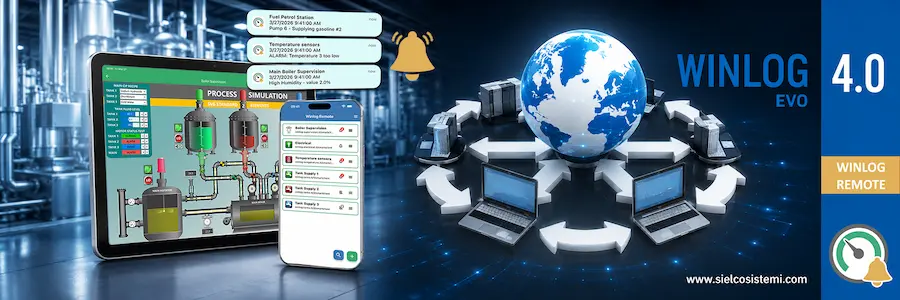
Winlog Remote, the free Winlog mobile App available for all Android and iOS devices, allows remote access to multiple SCADA applications from the same place. Winlog Remote provides real time monitoring of SCADA systems and process control with interactability, and can receive notifications for any alarm. It allows the user to organize servers and save credentials, with the ability to save multiple user profiles per server, making it swift and easy to monitor SCADA servers at any time.
Comparison Table
| Feature | Smart App | Web Client | Winlog Remote |
|---|---|---|---|
| Remote access and control of the SCADA system |  | | |
| Encrypted client/server communication | | | |
| Multiple simultaneous connections | | | |
| Access control via user groups | | | |
| Ability to view templates featuring graphical objects | | | |
| Interface optimized for mobile devices | | | |
| Remote access to reports (CSV, PDF, etc.) | | | |
| Push notifications | | ||
| Ability to store server and user data | |