Key Features of Winlog
SCADA applications with multi-language support
Thousands of symbols and animated objects
Access from Smartphone or Internet Client
“Winlog Remote” Smartphone application
RS485 and Ethernet client protocols
Master OPC UA and Modbus protocols
IoT protocol (MQTT Client)
Internal Client/Server protocol
Graphic trends and alarm history files
Process recipes and production reports
Interface with external DBMS (MySQL, …)
Remote assistence with “Quick Support”
SecureBridge for direct access to the PLC
General Description
Winlog is a software package for the development of multi-language SCADA/HMI applications. It is available in the basic version Winlog Pro and in the advanced version Winlog Evo, more suited for web applications and database integration. Development tools include automation oriented graphic libraries with thousands of static icons and animated objects. Winlog supports acting as a client for the most widely used communication protocols, including Modbus RTU/TCP, Siemens, Allen-Bradley, and OPC DA/UA, and as a server for the sharing protocols Modbus and OPC UA; it supports MQTT for IoT communication via brokers and platforms such as Azure, AWS, HiveMQ, Mosquitto and Ubidots, and includes an internal client/server protocol for communication between Winlog instances. It allows recipe management and report generation in both CSV and PDF formats. It also provides integration with external databases (MySQL, SQLServer, …) to record data tables or access data directly via APIs. SCADA applications are also accessible using a web client, through the “Web App” or the more limited “Smart App”, optimized for mobile. The free application “Winlog Remote” for Android and iOS can be used to readily access the SCADA software and receive push notifications on alarms. The “Quick Support” function allows users to immediately request remote assistance from Sielco Sistemi technical support. The “SecureBridge” function enables remote operators to access and control the PLC connected to the SCADA system through an encrypted tunnel.
Graphic Libraries
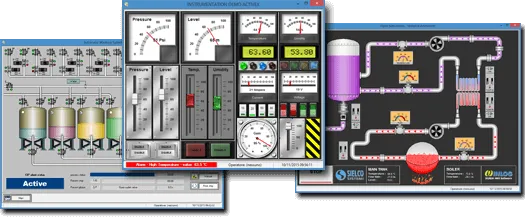
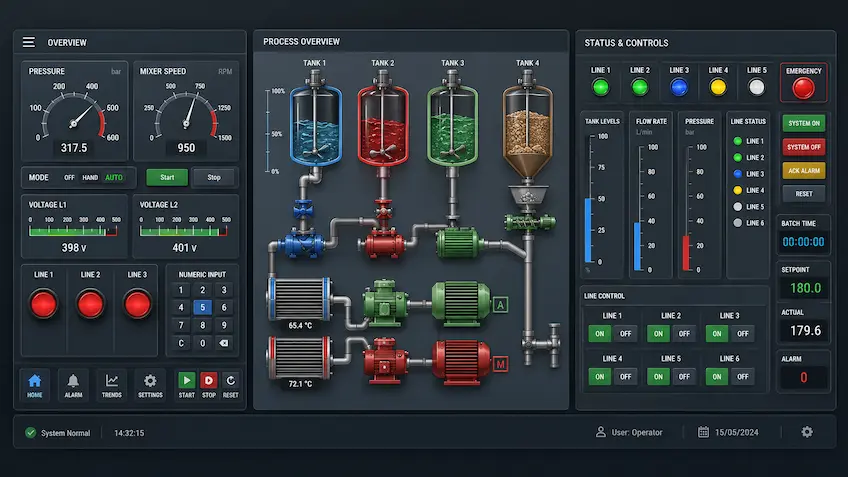
Development tools include a library of static icons and a library of animated objects. The icons library for automation includes thousands of SVG objects such as pumps, valves, motors, tanks, PLCs, piping, ISA symbols, etc; an integrated editor allows the developer to freely change size, colors and orientation of images.
The animated objects library includes both digital (buttons, switches, leds) and analog (pointer indicators, potentiometrs, led displays) objects, as well as complex ones (motors, pumps, valves, tanks, pipes).
Client/Server Architectures and Remote Access
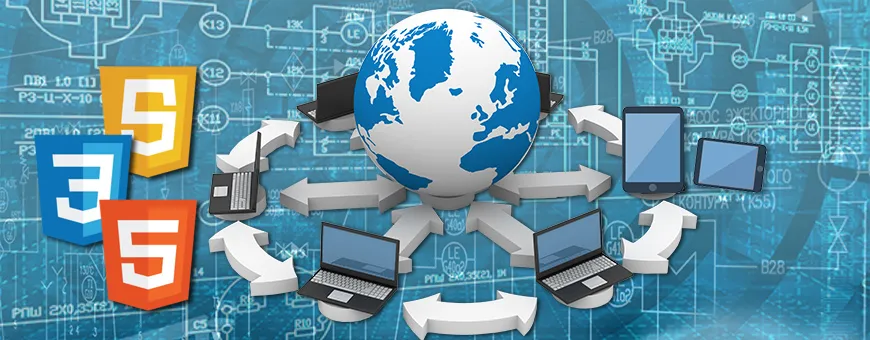
Distributed Client/Server architectures can be set up using TCP/IP protocol communication between multiple Winlog applications installed on remote stations. This creates a multi-master structure that allows read/write operations among any two stations.
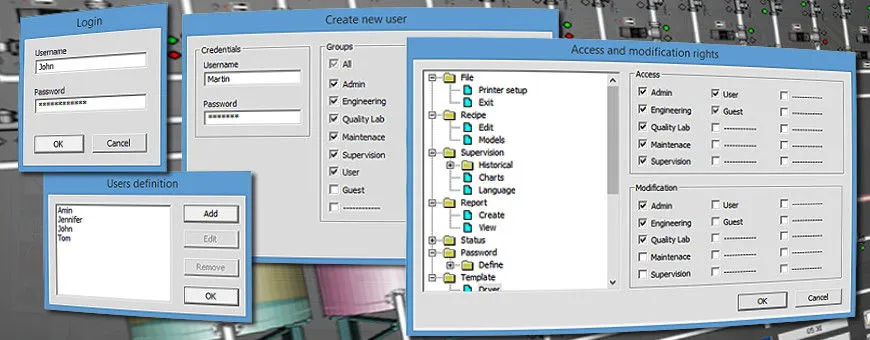
Supervisory systems can be accessed remotely using the free mobile application Winlog Remote for Android and iOS, or directly through the browser using the Smart App and Web Client web interfaces. Winlog takes advantage of the latest web technologies (HTML5, JavaScript e CSS), providing secure encrypted HTTPS communication, user authentication and access control via user groups defined in the Project Manager.
Graphic Trends
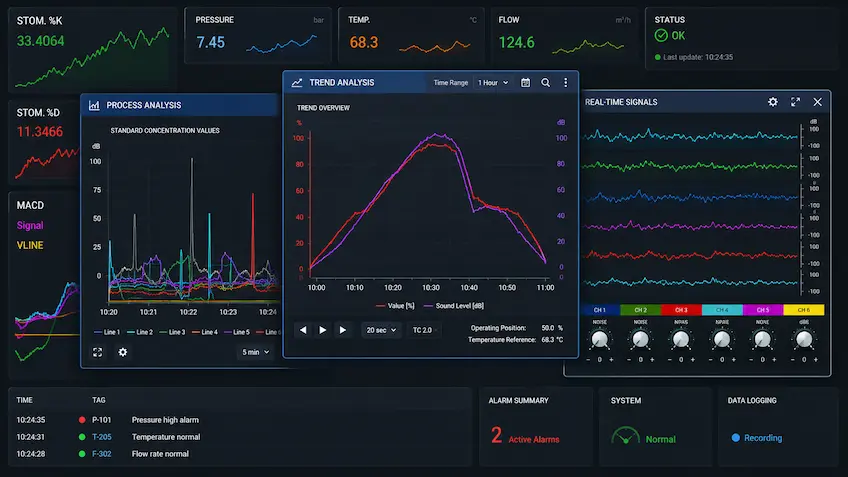
There are many different ways of visually representing the values of monitored variabls: graphical trends, XY trends, pie diagrams and histograms. Graphical trends are used to represent the value of a variable over time; up to 20 can be loaded simultaneously, each with its own color and scale, and referring to its own variable. Many rendering options can be customized, such as grid, line thickness, interpolation type, background color, font choice as well as the position of display elements (legends, buttons, cursor coordinates). Furthermore, the time axis can be shifted back and forth or scaled up and down, the image can be zoomed in, and the change in any variable can be tracked over time. XY trends can be used to visualize the relation between two variables X and Y, with any given point in the graph representing a pair of values.
Events & Alarms
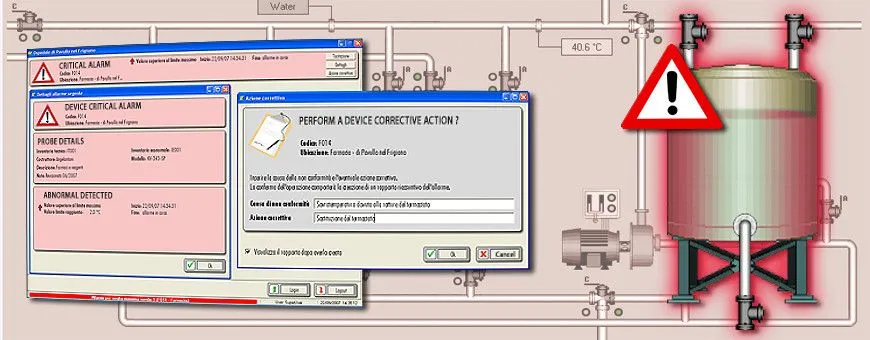
Events and alarms are special gates which assume the value of “active” or “inactive” depending on the value assumed by a reference variable. The activation of an alarm is promptly notified on a reserved area of the display. Access to online information (active event, not acknowledged events, …) and historical information (event start, event end, …) depends on configurable event classes (priority, location, competence, …). Each event can have multiple gate variables associated to it; this, in addition to the date and time, can be can be used to record a snapshot of the system state at the time of the event. Using simple code routines, Emails and SMS can be configured to be sent when certain events or alarms fire. Alarm notifications can be receieved on mobile devices through the free application “Winlog Remote”.
Recipes
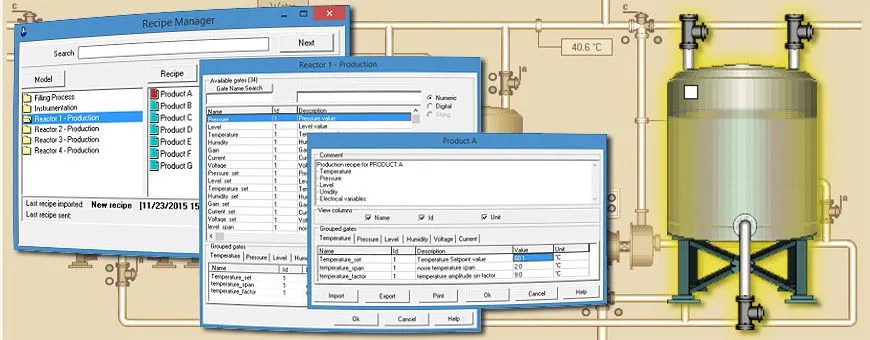
Recipes are sets of values that characterize a particular manufacturing process or a specific machine setting. You can create different recipe models, each of which is made up of a set of process variables (gates); each set can in turn be organized into several groups on which to perform common actions. The recipe model serves as a reference model for creating multiple recipes, each of which is made up of the set of values assigned to the process variables defined in the recipe model. You can create, rename or delete both recipes and recipe models. You can also create new recipes by importing values directly from the process. You can send a recipe to the process manually (on operator request) or automatically (on software start-up), or following a trigger condition (e.g. in batch processes).
Reports
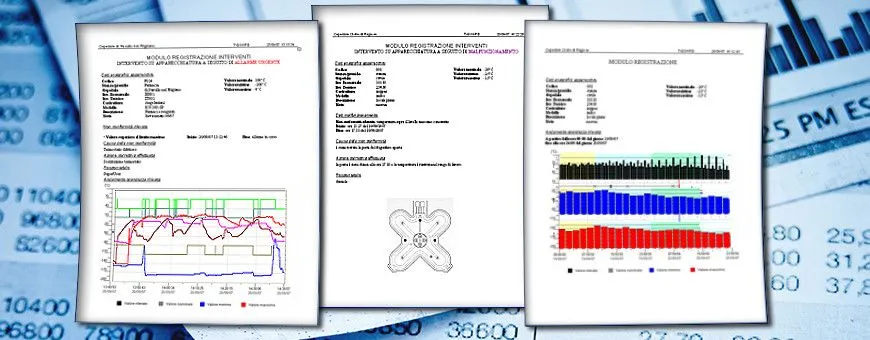
Reports consist of a set of historical data to be directly reviewed by production and maintenance managers or to be imported and reprocessed by other Windows applications. In the first case, reports are explanatory documents that describe the manufacturing process over a period of time (eg production batch), drawn up in a predefined format and available as pdf files. In the second case, reports are data tables recorded as CSV files. Each row includes date, time and the values assumed by a set of variables. Rows can be recorded at fixed intervals or when a specific condition occurs (trigger).
Security
Winlog Evo has improved cybersecurity using new technologies designed for integration with business IT systems. Notably, integration with Active Directory (LDAP) allows for a more refined user group system: specific roles can be assigned to groups, passwords can be configured to expire, and SCADA user access can be managed centrally. All Winlog services can be configured to use HTTPS, ensuring secure encrypted remote access.
The continuity of operation of the Winlog application is ensured by a separate and application-independent Watchdog process.
Remote Assistance QuickSupport
Sielco Sistemi offers a personalized technical support service, granting access to highly qualified technical aid to ensure the most efficient resolution of any given issue. The remote assistance request feature has been integrated into the software.
The "Quick Support" icon can be used to request technical aid and remotely lend control of the system to the Sielco Sistemi support service. The highly qualified support team is equipped to properly address any issue, and, if necessary, the developers themselves can be involved directly in the resolution of the more complex problems.

Interface with external DBMS
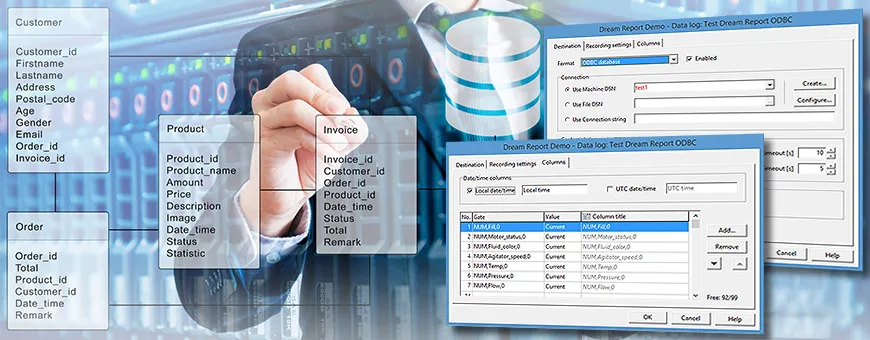
The “datalogger” function allows you to develop applications able to interface with any external DBMS accessible via ODBC (Mysql, …), in order to record data tables. Thanks to a series of instructions (API) provided by the internal code, you can also interface the external DBMS through generic queries (SELECT, INSERT, UPDATE, …) and read the results usable by the internal code routines. You can also directly interface with the external DBMS through the ODBC Client protocol.